.svg?fit=max&auto=format&n=9mgYzkCsWGfCgDGh&q=85&s=4fd670d691aa6a1a77dbfa0ed4830fb1)

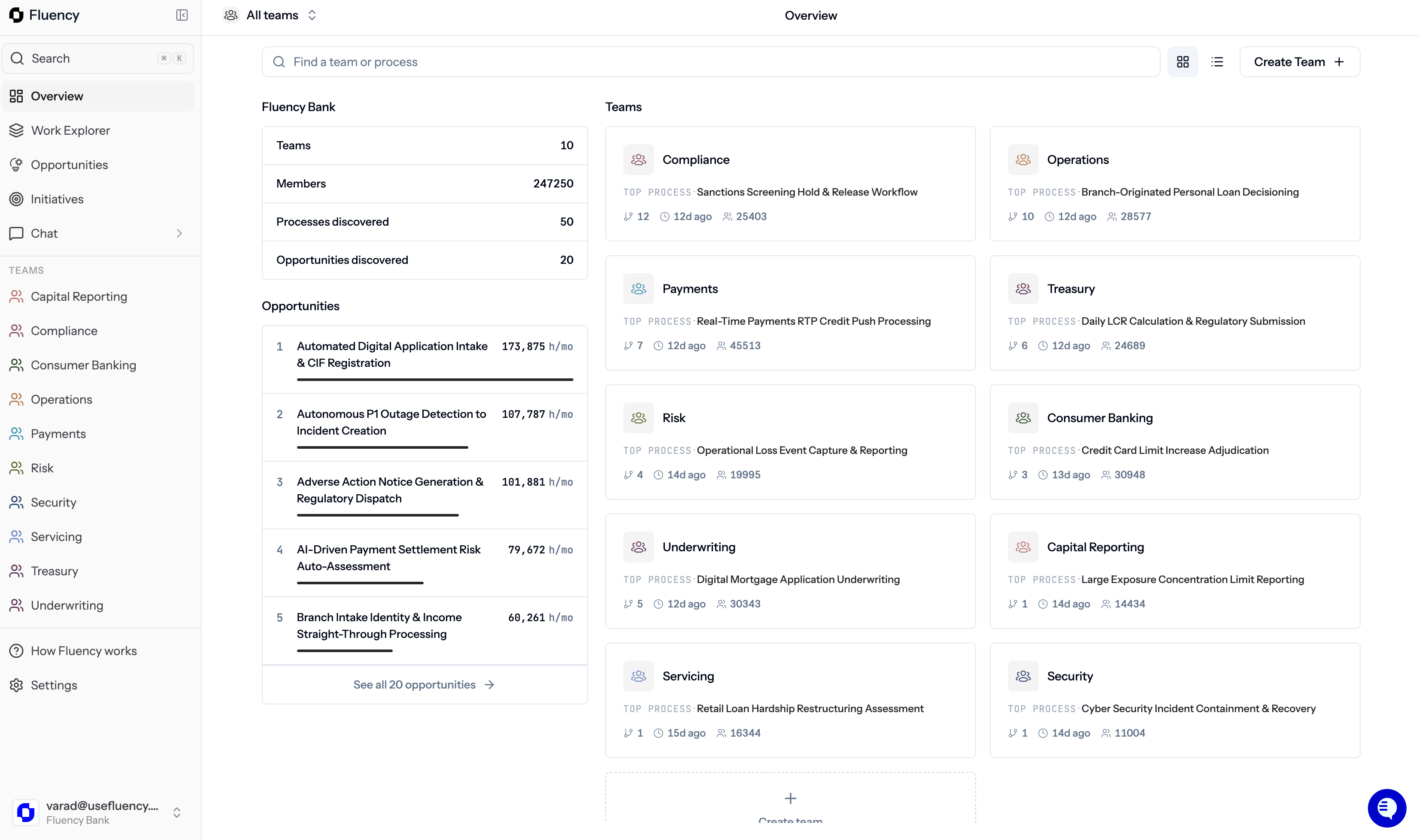
The Fluency app
What Fluency does
Org charts, process docs, and tribal knowledge go stale the moment they are written. You cannot rank what to automate if you cannot see the work, and you cannot deploy AI into work you do not understand. Fluency solves this in three parts:How the loop works
Fluency is not a one-off audit. The map stays live as your business changes.1
Observe
The Fluency Agent runs on end-user machines during the Agent Policy window. No process-system integrations required.
2
Map
Work Explorer organizes that activity into categories, process groups, processes, activities, and steps.
3
Prioritize
Opportunities scores AI automation opportunities on value and feasibility, and shows the proposed change against the current workflow.
4
Deliver
Committed opportunities become Initiatives. Fluency’s team builds and deploys the AI agents inside your firm.
The sidebar
The left sidebar is the same on every page: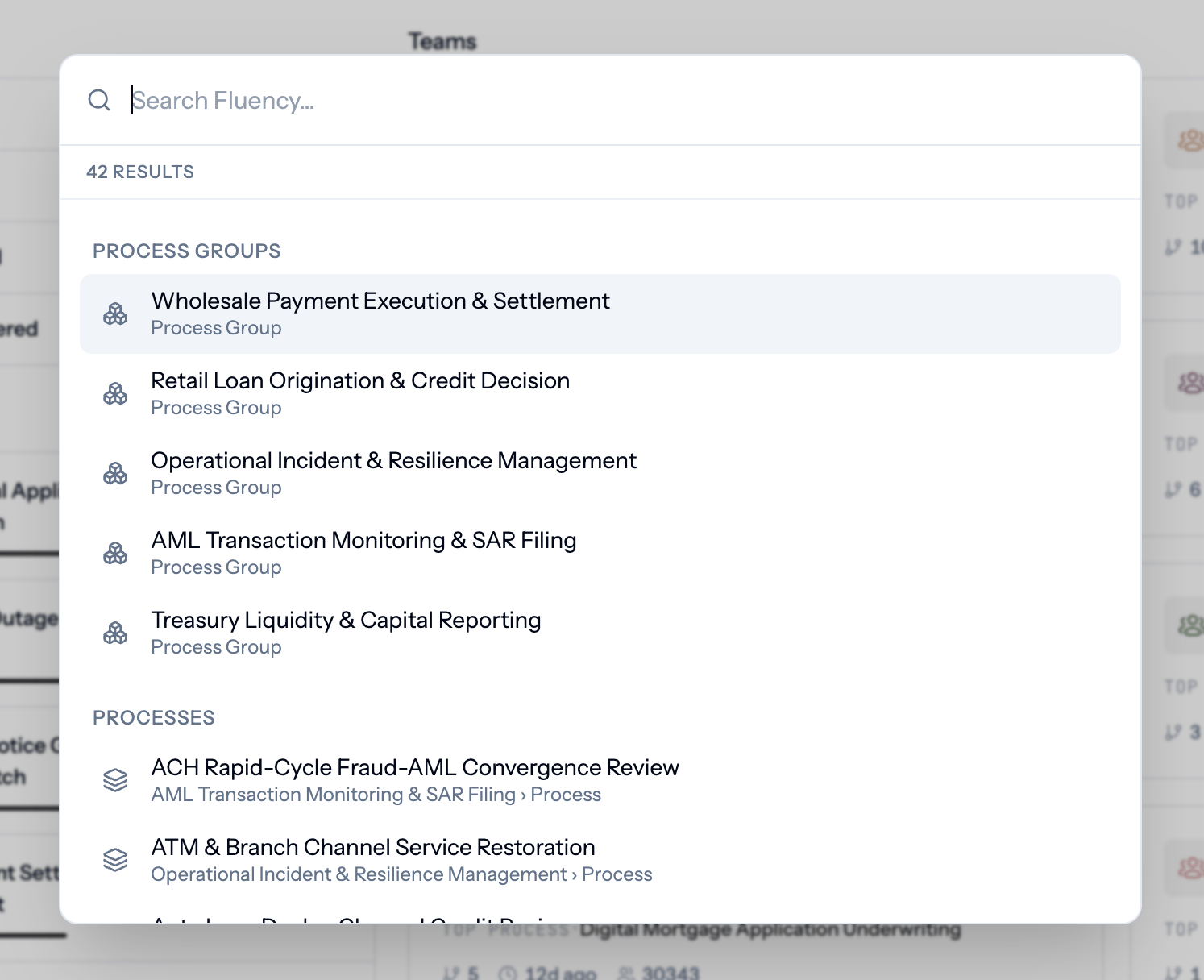
Global search (⌘K / Ctrl+K)
Where to go next
Pick the path that matches your role.IT: deploy the agent
Roll out the Fluency Agent and set up silent authentication with Microsoft Entra ID.
Admins: configure the org
Users, Teams, Rates, Authentication, PII Protection, and Agent Policy.
Leaders: explore the work
Start with Team Pages, then dig into Work Explorer.
Leaders: pick what to automate
Review Opportunities and track delivery in Initiatives.
Need help? Email support@usefluency.com.