.svg?fit=max&auto=format&n=9mgYzkCsWGfCgDGh&q=85&s=4fd670d691aa6a1a77dbfa0ed4830fb1)

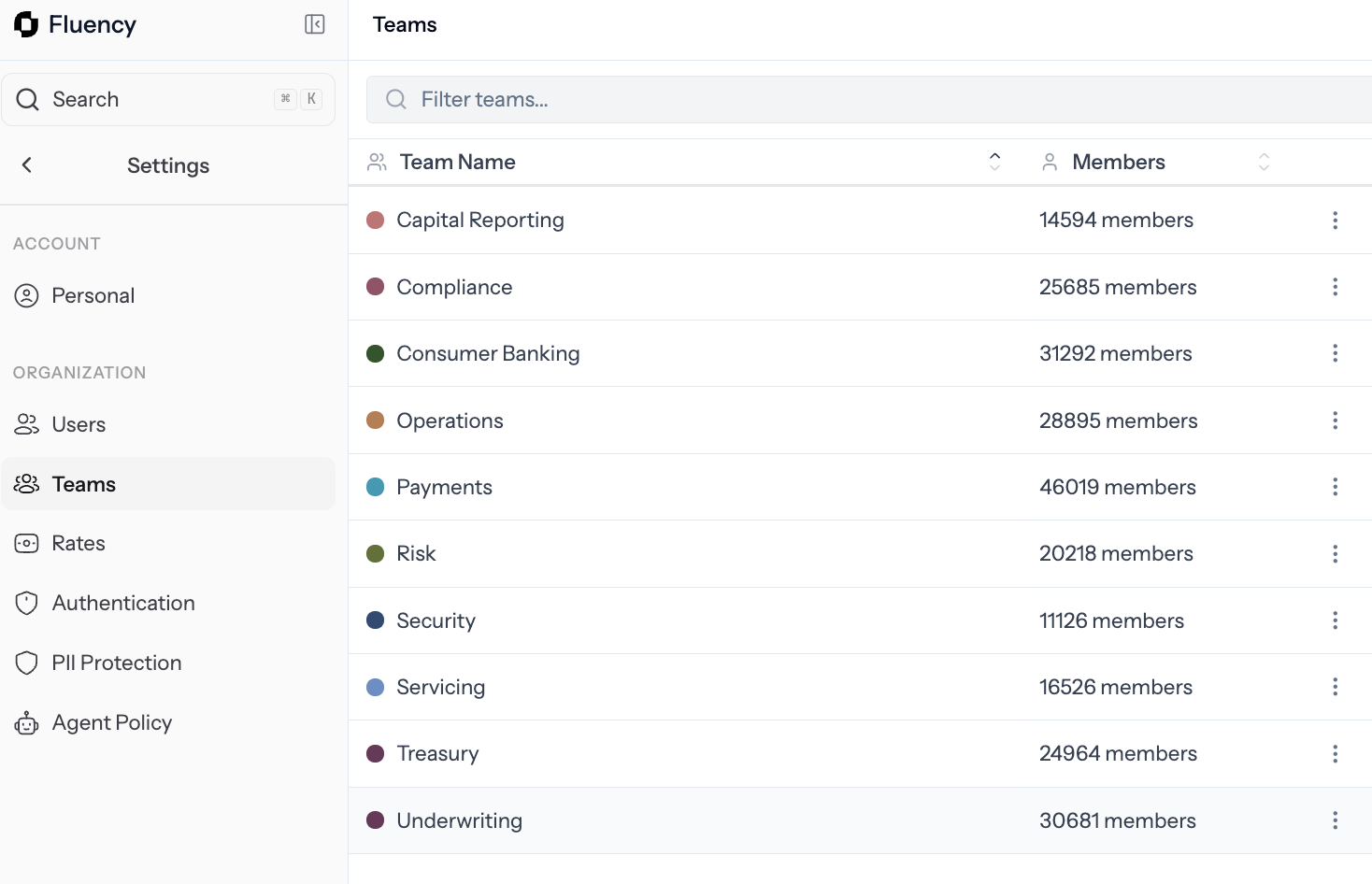
Teams: the list of teams in your workspace, each with its color and member count.
The teams table
The table lists every team in your workspace. Use the filter box to search by name, and select + Create to add a new team.Create a team
1
Open the create modal
On the Teams page, select + Create.
2
Name it
Give the team a name. Optionally add a short purpose and a color so it’s easy to spot in lists and charts.
3
Add members
Add people by name or email. A user can belong to more than one team.
4
Save
Select Create. The team appears in the table right away and is available across Overview, Work Explorer, and Opportunities.
Edit or delete a team
Select any team in the table to open its detail page.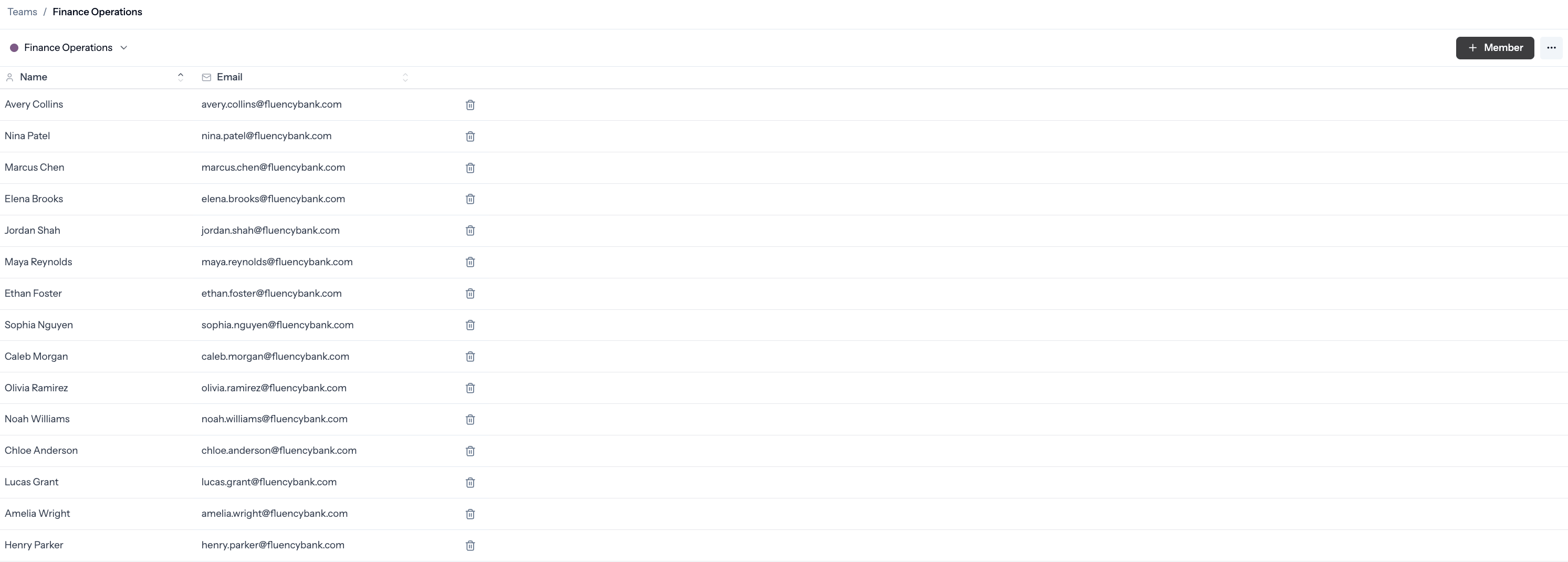
Team detail: the member list where you add or remove people, and the ⋯ menu for renaming, recoloring, or deleting the team.
- Select + Member to add someone by name or email.
- Use the trash icon next to a member to remove them.
- Open the ⋯ menu in the top right to rename, recolor, or delete the team.
Teams are a grouping, not a permission. Adding someone to a team doesn’t change what they can see. Use Role on the Users page to control access.
Confirm activity is rolling up
Once the team exists and the agent is deployed to its members, open Users and check that each member shows Capturing. Team activity starts building on Overview, Work Explorer, and the team’s own page within a few minutes.Related
Users
Check who’s capturing and manage roles.
Team Pages
See a team’s processes, AI automation opportunities, and headline metrics.
Rates
Set loaded labor rates so Opportunities can estimate savings.
Deploy the agent
Installers, permissions, and network allowlists.