.svg?fit=max&auto=format&n=9mgYzkCsWGfCgDGh&q=85&s=4fd670d691aa6a1a77dbfa0ed4830fb1)

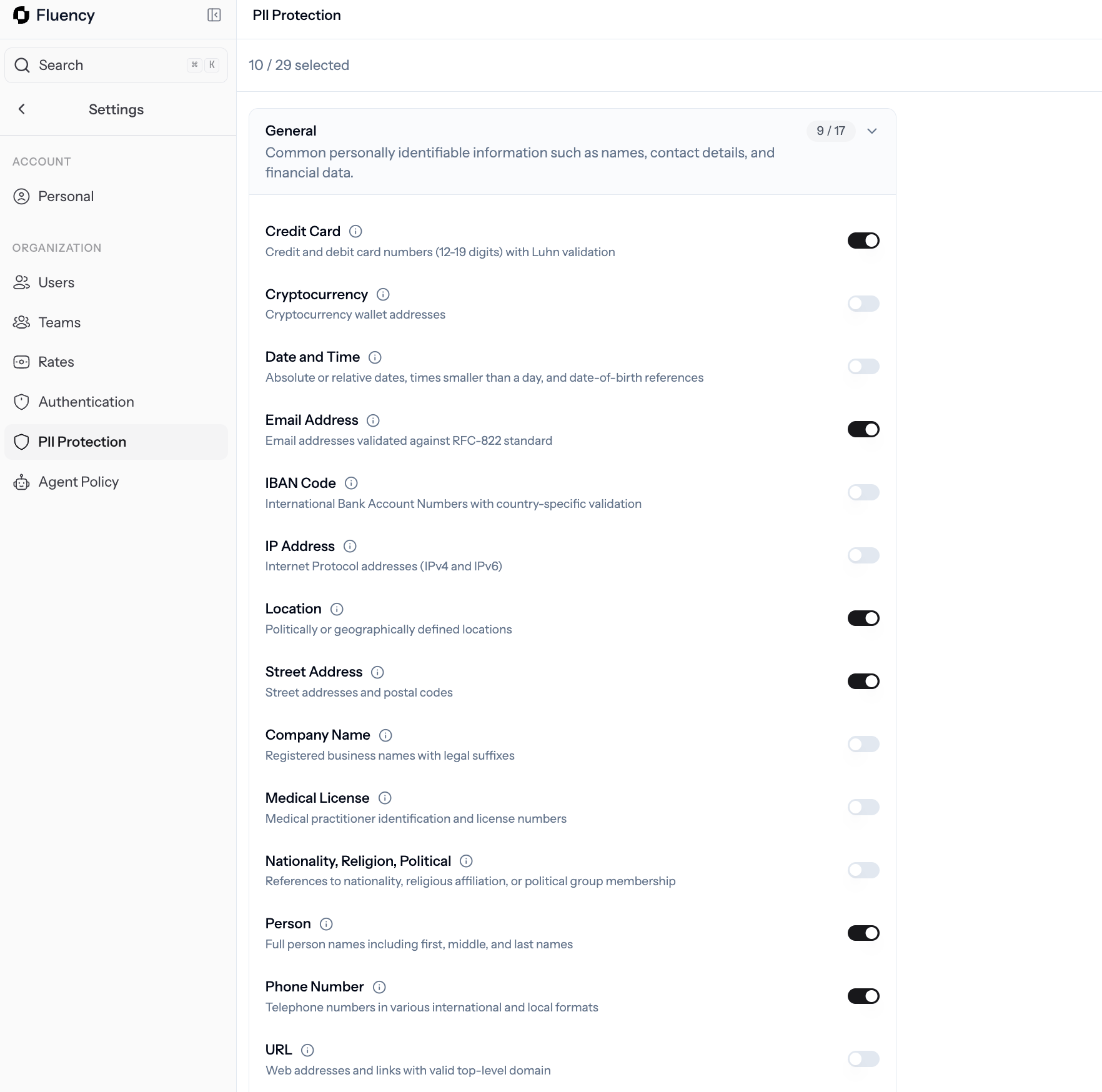
PII Protection: categories of detectors with toggles for each type of personal information Fluency will redact.
What you’ll see
Detectors are organized into categories. Each category shows how many types are currently on, and each type can be toggled independently.Configure detectors
1
Open PII Protection
Go to Settings → PII Protection.
2
Review each category
Expand a category to see the individual detector types. Common ones include credit card, email address, IBAN, IP address, location, cryptocurrency, and date and time.
3
Toggle the types you want redacted
Turn a detector on to have Fluency mask that type of value in captured activity. Turn it off if you’re comfortable leaving it visible.
4
Save changes
Click Save changes to push the new configuration to agents. New captures use the updated rules right away.
Request a new detector
Need a PII type that isn’t in the catalog? Email support@usefluency.com with the detector name and an example pattern.Related
Agent Policy
Set observation windows and exclusions.
Authentication
Connect Entra ID for silent sign-in.
Users
See who’s capturing and manage access.
Deploy the agent
Roll out Fluency across your fleet.