.svg?fit=max&auto=format&n=9mgYzkCsWGfCgDGh&q=85&s=4fd670d691aa6a1a77dbfa0ed4830fb1)

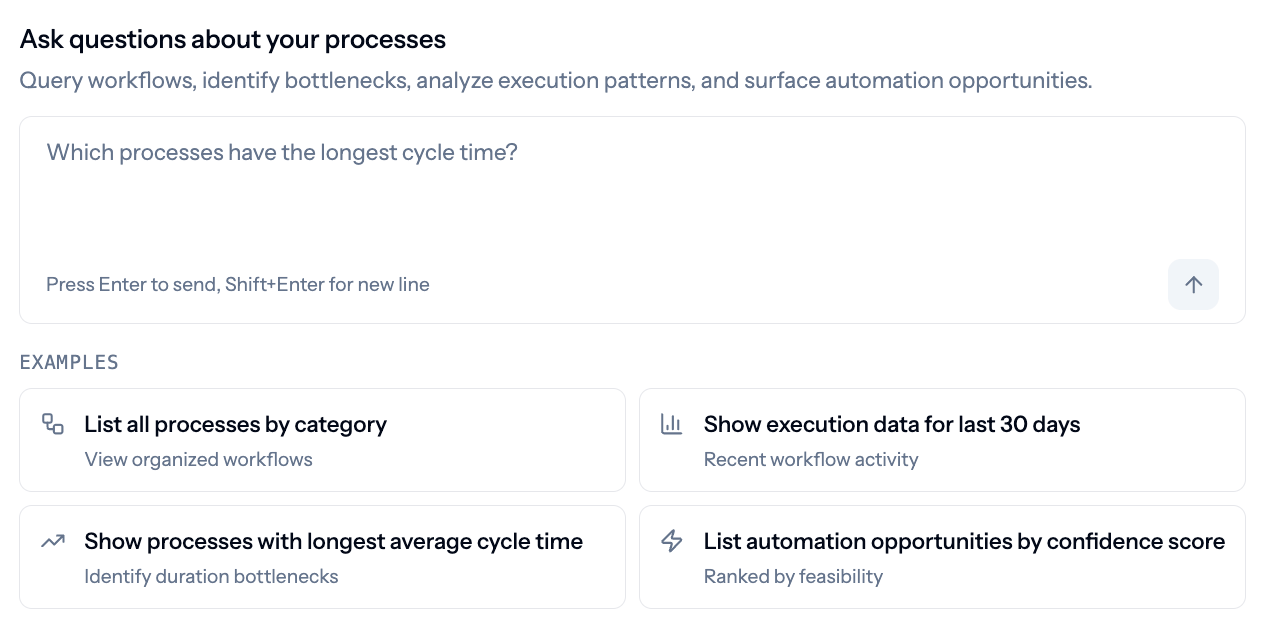
The Enterprise Chat landing view, with example prompts
What you can ask
Type a question directly, or start from one of the example prompts:- List all processes by category
- Show execution data for a specific process
- Show processes with the longest average cycle time
- List automation opportunities by confidence score
Grounded in the same live map
Because Enterprise Chat pulls from the same live map that keeps updating as your organization changes, answers reflect what’s happening now, not a stale export. Where an answer includes a chart or table, you can export it to keep or share outside the product.Related
Understanding Opportunities
Where to inspect the evidence behind an automation candidate and act on it.
Understanding Work Explorer
The observed processes and procedures Enterprise Chat’s answers are grounded in.